Save your Views
Save the deals that need you this month as a View your whole team can use.
Filtering a table every morning wastes time. Save it once as a View and it is a tab away — and in ⌘K.
1. Filter to what matters
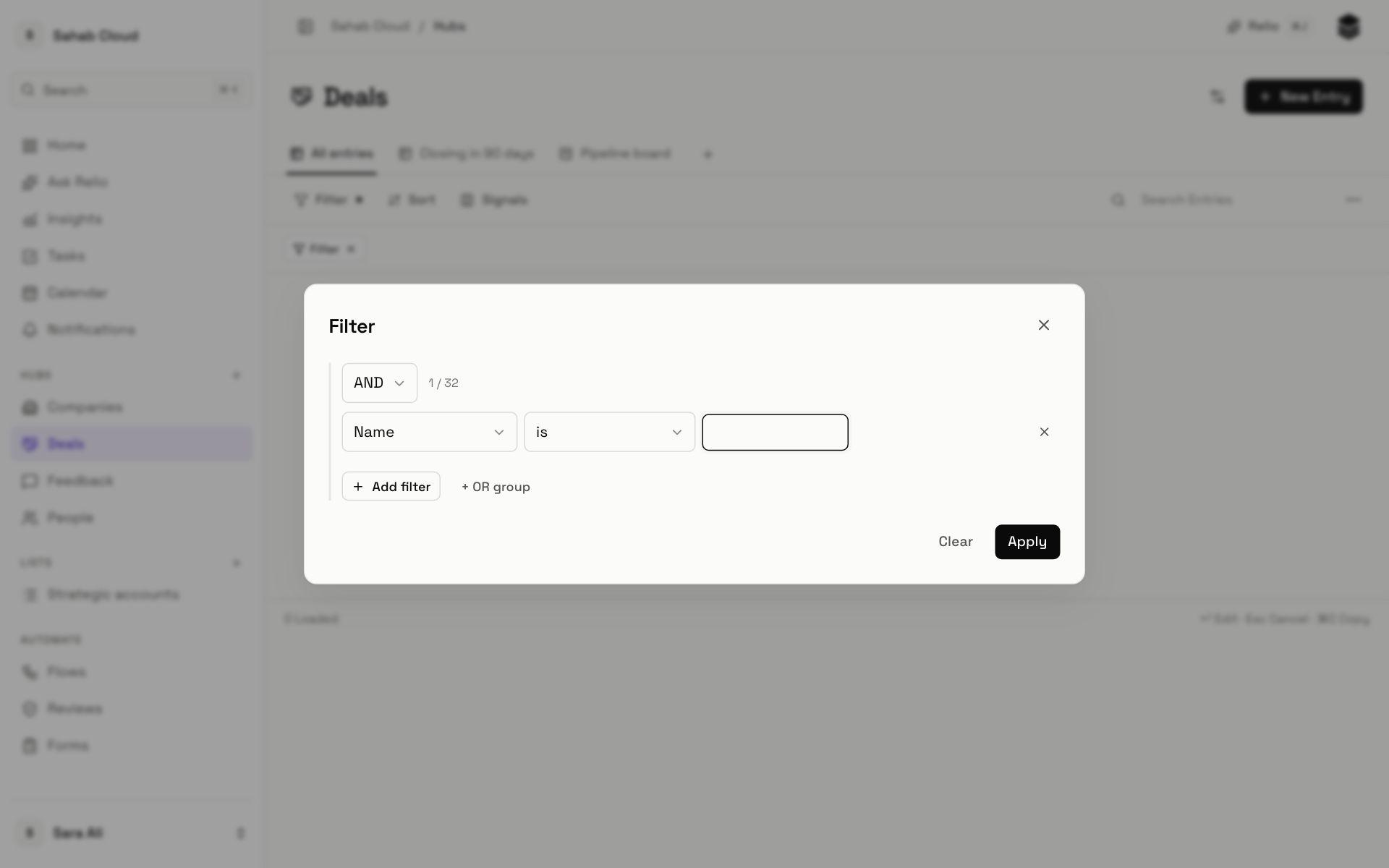
Open your Sales Pipeline List (or Deals) and click Filter:
- Owner — is — you.
- Add filter: Stage — is none of — Won, Lost.
- Add filter: Expected close — before — the end of this month.
- Click Apply.
Then click Sort, choose Expected close, Ascending — the most urgent first.
2. Save it as a View
- Click More (the three dots) → Save as new View.
- Name it *My deals this month*, keep Table, and click Create.
It is now a tab above the table. Anyone on your team can open it — and because the filter names you, it shows them *your* deals. Make one per person, or one for the whole team without the Owner condition.
3. A board version
Create another View with +, choose Kanban and Group by Stage. Apply the same filters and Save changes. Now you can drag your own deals without seeing everyone else's.
Next
Last step: Invite your team.
Checked against Relio on 29 October 2026